Accessibility Internet Rally
The Scenario
The Accessibility Internet Rally (AIR) is an annual hackathon / friendly competition organized by Knowbility where teams of volunteers create accessible websites for non-profits, artists, and community organizations. Our client, a small literacy organization, needed a more organized website and hoped to make information in their Parent Toolkit PDFs easier to access. We were able to build, test, and deliver their new accessible WordPress site on time.
My Role
I volunteered to be our Team Captain, managing a group of volunteers with no prior affiliation as we designed, built, and tested the new site while working across 4 time zones. I endeavored to keep everyone included, learning their skill sets and what they hoped to get out of their AIR experience. I managed our relationship with the client, understanding their organization, identifying their goals for the new site, reviewing proposals and designs, and following up on needed information. Throughout, I kept a close eye on our project's scope to avoid overpromising what we could deliver or creating something that would be difficult for the client to sustain.
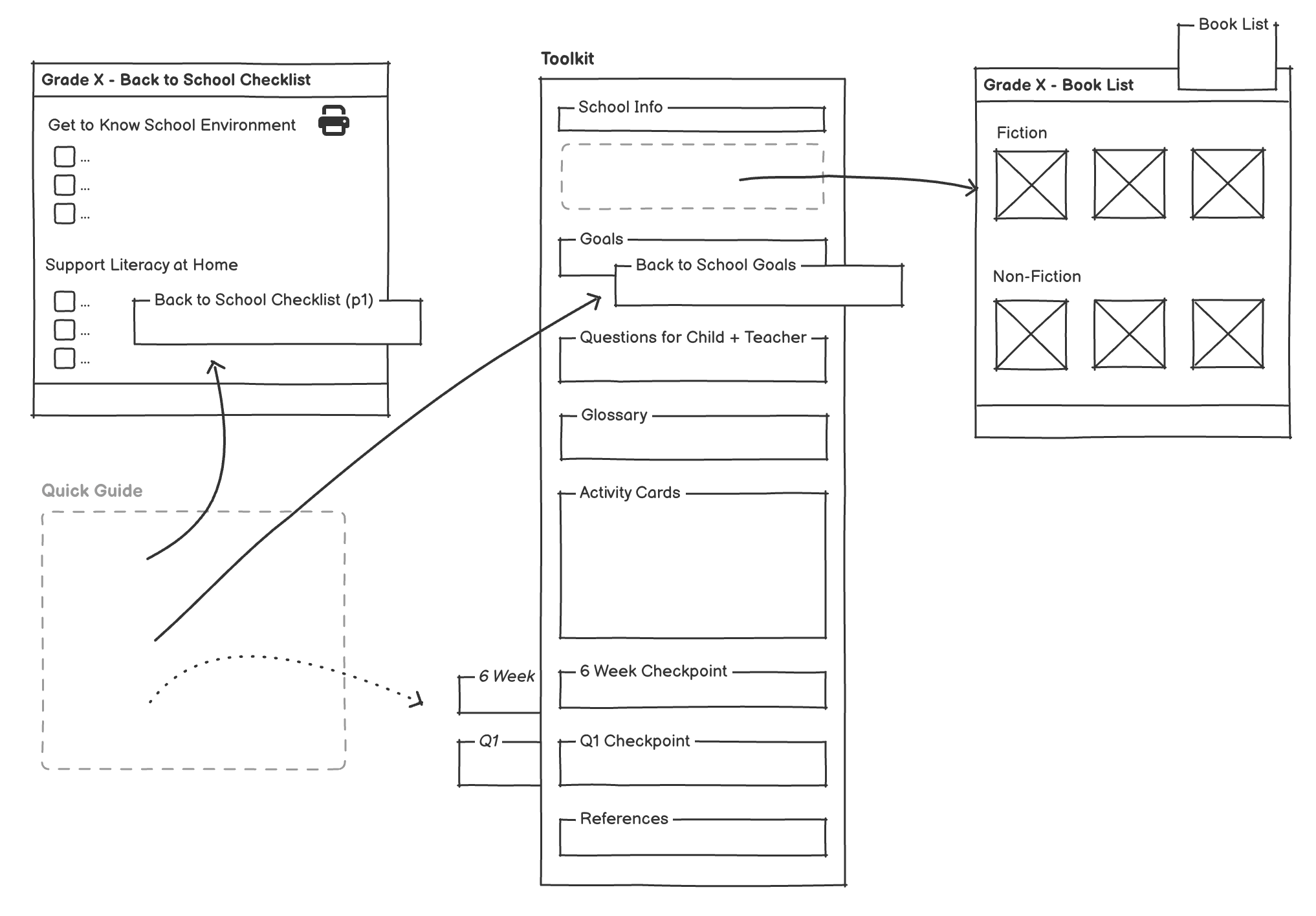
On the UX side, I inventoried the site's content and redesigned the information architecture, so the client's offerings were easier to find and grouped in a logical way. I analyzed the Parent Toolkits, establishing a plan to pull out the content that made sense as web pages (ex. book lists) while keeping the more worksheet-like parts as PDFs. I mentored the more junior designer on the team as she created a style guide and mockups, raising potential accessibility issues and encouraging her to not create work (for example adding a synopsis for each recommended book). I collaborated with the developers on the team to refine the details as we implemented the pages. I assisted with QA and accessibility testing, making lists of fixes then implementing more of the tweaks as my WordPress knowledge grew. I also conducted usability testing with assistive technology users to ensure our site worked as expected. Once we were finished, I collaborated with our experienced WordPress developer on the migration plan and created documentation so the client could maintain and update their new site.